
COMMANDER25 Gold
Source checked:
Build up a military base, recruit troops and vehicles, and command your growing army into battles for strategic objectives.
Codes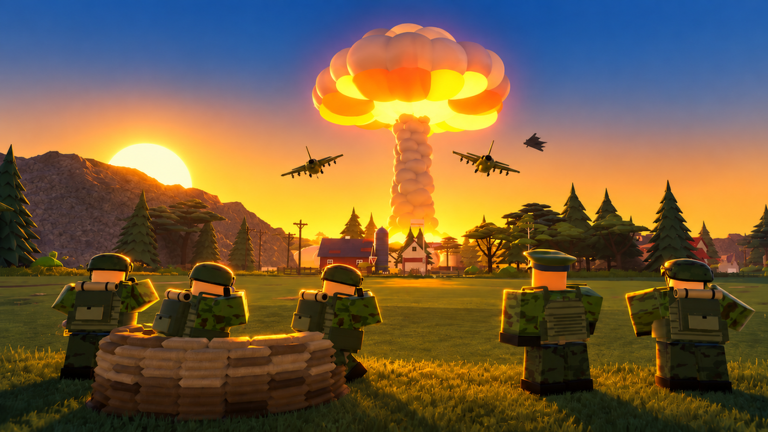
Help a new player orient themselves at the opening outpost and complete the first productive sequence of play.
Turn the small outpost into a working base
Grow the army from your base
Broaden the force as income expands
Take objectives across the map
Earn more income as your army expands and fund the next build
Follow a progression path from your first outpost, identify the units you can field, get combat answers, check codes and see what changed.
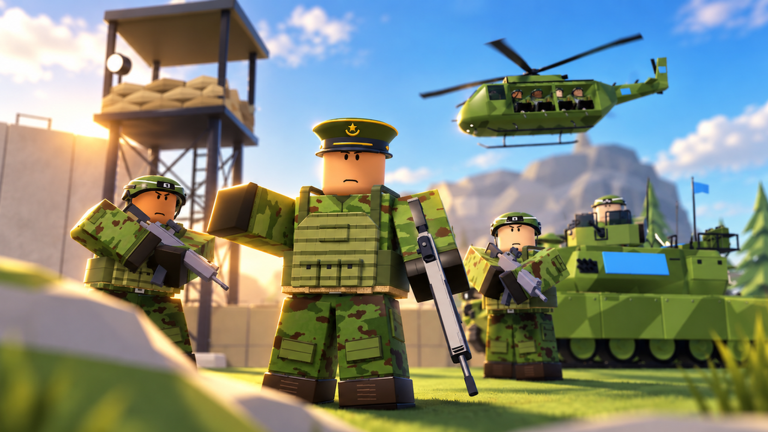
Army Commander Tycoon is a military tycoon game on Roblox by sad builderboy. Starting from a small outpost, you grow a more capable force and put its rising income toward further expansion and upgrades.
Read the Beginner GuidePlatform
Roblox
Genre
Simulation · Tycoon
Developer
sad builderboy
Core Loop
Build, recruit, capture, expand
Give players a chronological route through observable gameplay milestones from opening actions to later objectives.
Finished projects announce themselves ("Construction complete", "Upgrade complete")
In one recorded session, players treated a secured point's oil as the money activity
The developer's route: recruit powerful troop types, unlock infantry, tanks, artillery, helicopters and more
Send the army out; the game confirms with "Point secured." announcements
Show how a player generates income and which observed choices improve it.
In the recorded session, cash climbed from about 5,000 toward 8,000 while the player stayed on the pump after a capture
Constructing and upgrading the base raises both income and combat strength in the tycoon-style loop
The game promises more income as your army expands
In the recorded session, steady spending on builds and recruits kept progress moving
Provide an organized reference to confirmed combat force categories and individually identified units, if documented.
| Force family | Named in |
|---|---|
| Infantry | Game description unlock list |
| Tanks | Description and feature list |
| Artillery | Game description unlock list |
| Helicopters | Game description unlock list |
Help players execute the objective-capture interaction and recognize what counts as a successful capture.
The capture loop starts with a working base
A bigger, more varied army makes pushes easier
Capturing is one action: the army goes to the point
"Point secured." / "Objective taken. Good work, commander." confirm the capture
Help players prepare for battles and respond to observed enemy forces and battle goals.
| Alert | Meaning |
|---|---|
| Commander, our base is under attack | Your base is under attack |
| Enemy forces are hitting our position | Your position is taking enemy pressure |
| Hostiles at the wire. Defend the base | Enemies have reached the base — the game is telling you to defend it |
Current code availability, rewards and source-check dates.
COMMANDERSource checked:
FRONTLINESource checked:
INVASIONSource checked:
Reported expiry:
SEAPOWERSource checked:
| Code (click to copy) | Rewards | Status | Source checked | Conditions |
|---|---|---|---|---|
COMMANDER | 25 Gold | Reported active | ||
FRONTLINE | 25 Gold | Reported active | ||
INVASION | 25 Gold | Reported active | Reported expiry: | |
SEAPOWER | 25 Gold | Reported active |
Quick answers to what players ask most, with links to the pages that go deeper.
Explore the game's core systems in the guides, or head to Roblox to begin building your force.